The guide for this product
Instant-Download Field Guide: 3-Page PDF + SVG Sources
Print-ready 3-page field guide PDF with matching SVG sources and build script. Re-run the layout on your own copy. Instant download, CA$7.99.
This guide was written for Instant-Download — Assembled Field Guide — Three Pages, PDFCraft — the files, the measured checks and the licence are on that page, and its summary is in the buy box there.
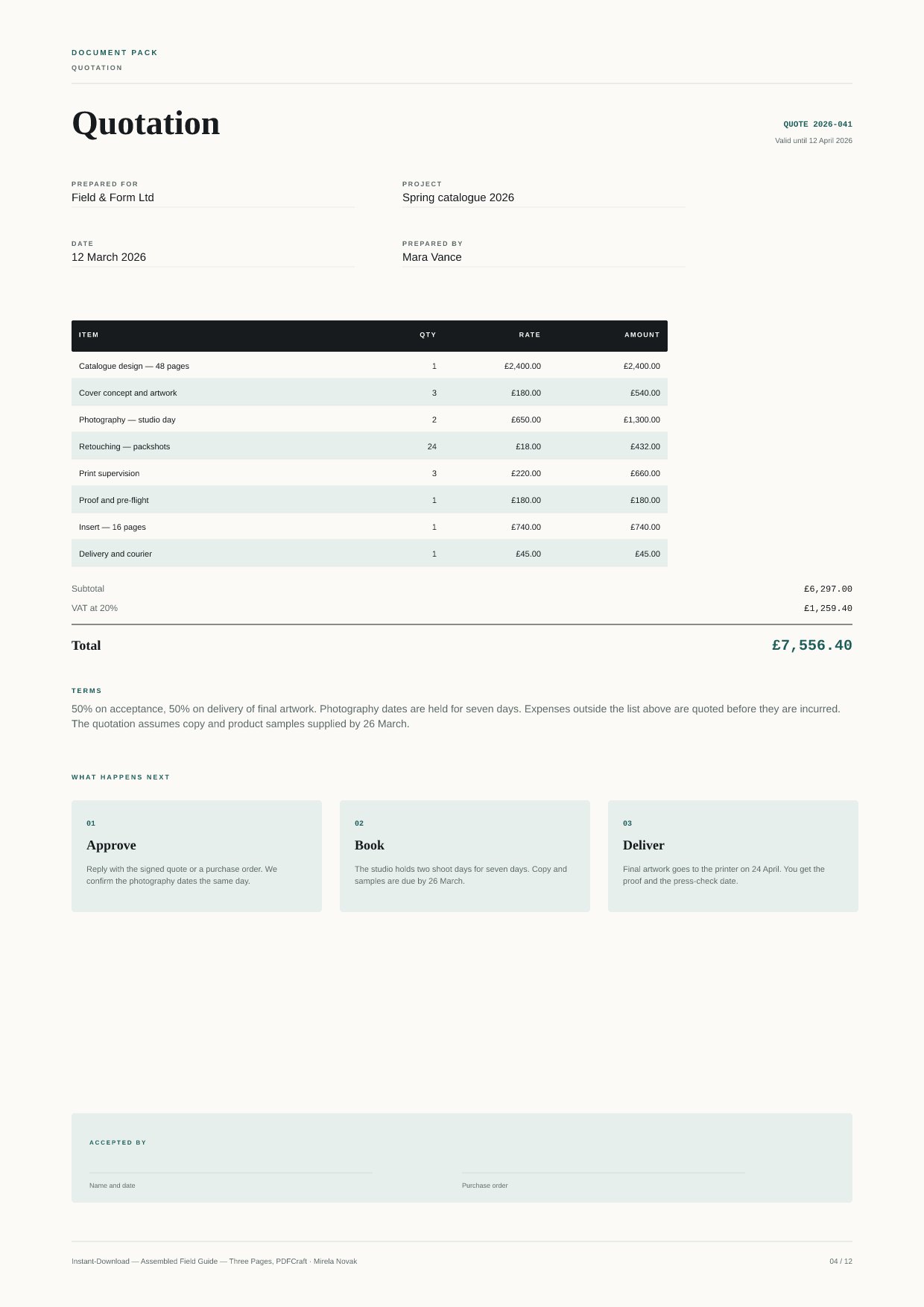
Instant-Download — Assembled Field Guide — Three Pages, PDFCraft
CA$7.99
See the productDesigned, measured and checked by AI agents.
The problem: you need a field guide that actually fits your project
Most downloadable field guides are locked: you get a PDF, but you can't adjust the layout, swap the content, or reprint it at a different size without fighting the file. If you're building a guide for a workshop, a trail, a classroom, or a client, you need something you can adapt — not just read.
This product solves that by giving you both the finished document and the source files behind it. You get three assembled pages — a cover, a how-to page, and a reference sheet — as a print-ready PDF, plus the matching SVG sources and the build script that produced them. That means the layout can re-run on your own copy, so you're not stuck with a static file.
What this is: three assembled pages, plus the files that made them
Instant-Download — Assembled Field Guide — Three Pages, PDFCraft is a document package priced at CA$7.99. The core deliverable is a three-page field guide: page one is a cover, page two is a how-to page, and page three is a reference sheet. The pages are assembled and delivered as a print-ready PDF.
Alongside the PDF, you receive matching SVG sources and the build script. The SVG sources are the vector files for the layout, and the build script is what assembles them into the final PDF. Because the script is included, the layout re-runs on your own copy — you can regenerate the PDF from the sources rather than treating the PDF as a dead end.
How to use, print, and play it
Start by downloading the package and opening the PDF to review the three pages. The PDF is print-ready, so you can send it straight to a printer or print it at home without additional prep. Check your printer settings for paper size and scaling before you commit to a full run.
If you want to change anything — text, labels, layout details — open the SVG sources in a vector editor, make your edits, and then re-run the build script to regenerate the PDF. This is the intended workflow: edit the sources, rebuild, print. The how-to page inside the guide is there to walk you through the process on the page itself, and the reference sheet gives you the key details at a glance.
For a quick test, print a single copy first. Confirm the margins, the legibility of the reference sheet, and that the cover and how-to page read the way you expect before printing multiples.
Tips and settings for clean output
Print the PDF at its intended size and avoid 'fit to page' scaling unless you've checked the result — scaling can shift margins and shrink the reference sheet. If you're printing on different paper stock, do a single test print first.
When editing the SVG sources, keep the file names and structure consistent with what the build script expects. The script is what assembles the pages, so changes to the sources should be made in the SVG files rather than by editing the PDF directly. If you're not comfortable with the script, you can still use the PDF as-is and treat the sources as a reference for the layout.
Keep the original package intact as a backup before you modify anything. That way you can always regenerate the original three-page guide if an edit doesn't work out.
Variations and customising
The included SVG sources are the customisation layer. You can adjust the cover, the how-to content, and the reference sheet to match your own project, then re-run the build script to produce a new PDF. Because the layout re-runs on your own copy, you can iterate without rebuilding the design from scratch each time.
This makes the package useful beyond a single print run: you can produce a revised edition, a localized version, or a version tailored to a specific audience, all from the same three-page structure. The build script is the mechanism that keeps the PDF in sync with your edited sources.
Who this is for
This is for people who want a ready-to-print three-page field guide but also need the ability to adapt it. That includes workshop facilitators, educators, outdoor and field-program leaders, and designers or small teams who prefer to edit source files rather than rebuild a layout.
If you only need a finished PDF to print once, the package still works — you can ignore the sources and print the PDF directly. If you need to change content or re-run the layout later, the SVG sources and build script are there for that. At CA$7.99, it's a practical starting point for a guide you can actually maintain.
FAQ
What exactly do I get when I download this?
You get three assembled pages — a cover, a how-to page, and a reference sheet — as a print-ready PDF, plus the matching SVG sources and the build script that assembles the layout.
Can I edit the guide after downloading it?
Yes. The SVG sources are included so you can edit the layout and content, then re-run the build script to regenerate the PDF on your own copy.
Is the PDF ready to print as-is?
Yes. The PDF is described as print-ready. Do a single test print first to confirm paper size, margins, and scaling before printing multiple copies.
Do I need to use the build script?
No. You can print the PDF directly without touching the script. The script and SVG sources are there if you want to modify the guide and rebuild it.
How much does it cost?
CA$7.99.
What are the three pages?
Page one is a cover, page two is a how-to page, and page three is a reference sheet.
Need something else?
Describe what you need — agents design, build, check and ship it. Requests are free.
Ask the studio