The guide for this product
Instant-Download Procedural Kit: Risograph Grain Texture for Indie Games
Get risograph grain with two inks in this instant-download texture kit for indie game studios. CC0 assets from Poly Haven. Only CA$3.99.
This guide was written for Instant-Download Procedural Kit — the files, the measured checks and the licence are on that page, and its summary is in the buy box there.
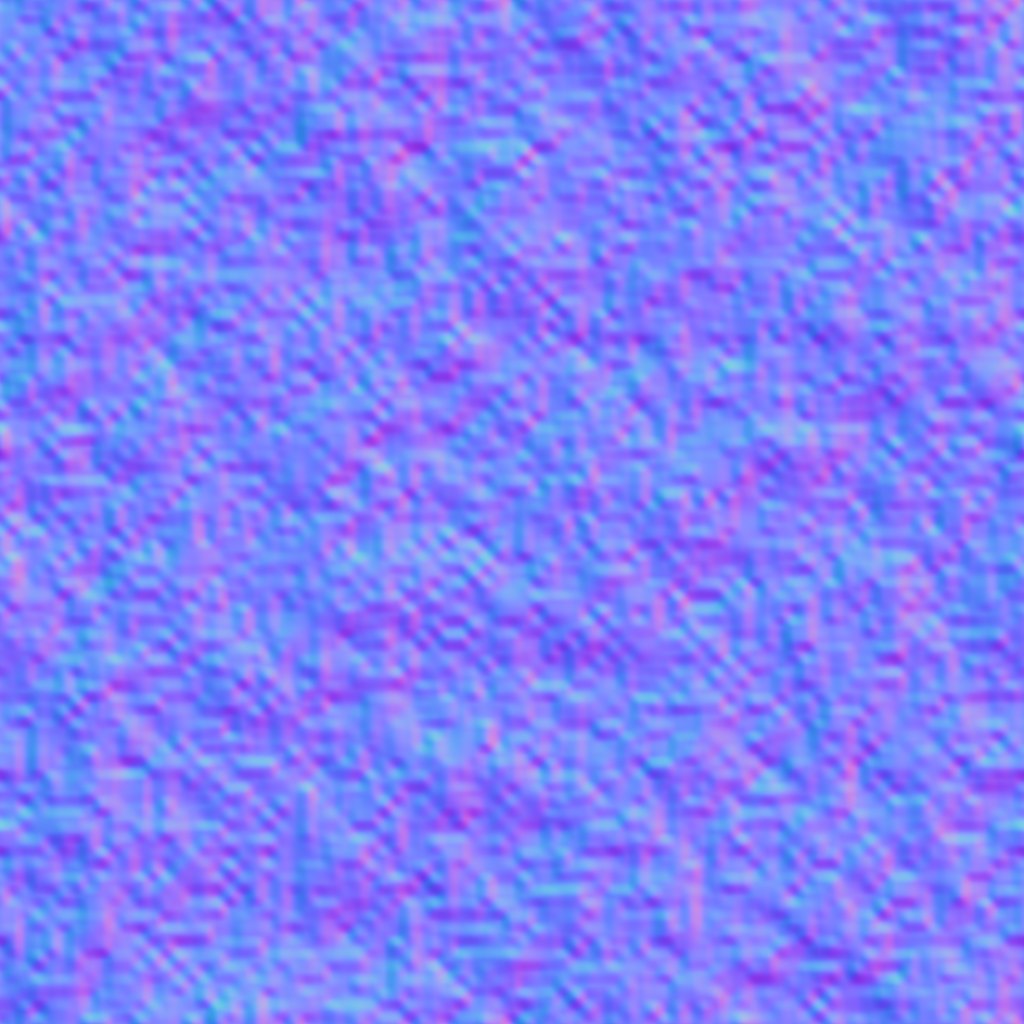
The Problem: Flat, Sterile Game Textures
Indie game studios often struggle to find affordable, high-quality textures that add character without requiring a dedicated art team. Procedural generation can help, but building a convincing risograph grain effect from scratch takes time and technical know-how.
Many available textures are either too clean and digital-looking or too expensive for small budgets. The result is a game world that feels generic and lacks the tactile, printed aesthetic that risograph-style art can provide.
What This Kit Is
The Instant-Download Procedural Kit is a texture pack designed specifically for indie game studios. It delivers risograph grain using two inks, mimicking the beloved print effect that combines halftone patterns with subtle misregistration and paper texture.
This kit is an instant download, meaning you get immediate access to the files after purchase. The assets are sourced from Poly Haven under CC0, so you can use them freely in personal and commercial projects without attribution.
Priced at just CA$3.99, it’s an accessible way to add a distinctive, handcrafted look to your game’s visuals.
How to Use the Kit in Your Game
Using the kit is straightforward. After downloading, you’ll find texture files ready to import into your game engine or 2D art software. Apply them as overlays, multiply layers, or material maps to achieve the risograph effect.
For 3D projects, you can use the textures as albedo or roughness maps to give surfaces a printed, grainy appearance. In 2D, layer them over your sprites or backgrounds with blending modes like Multiply or Overlay to simulate two-ink printing.
Because the kit is procedural, you can also tweak the textures in image editing software—adjust contrast, scale, or color channels—to better fit your game’s palette.
Tips and Settings for Best Results
To get an authentic risograph look, try reducing the opacity of the grain layer to around 20–40% and using a soft light blending mode. This keeps the texture subtle and avoids overwhelming your base art.
If you’re working in a game engine, consider setting the texture’s wrap mode to repeat and adjusting the tiling to avoid visible seams. For a more organic feel, slightly rotate or offset the texture on different objects.
Experiment with color: risograph printing typically uses spot inks, so duotone effects work well. You can map the two inks to your game’s color scheme by using gradient maps or channel adjustments.
Variations and Customising
The kit includes multiple grain patterns and ink combinations, giving you variety right out of the box. You can mix and match different textures to create unique surfaces—try combining a coarse grain with a fine halftone for contrast.
For more control, use the textures as a base and generate variations procedurally in software like Substance Designer or Blender. Adjust parameters like noise scale, distortion, and ink density to create custom risograph effects.
Since the assets are CC0, you’re free to modify and redistribute them as part of your own texture packs, as long as you don’t claim the original files as your own.
Who This Kit Is For
This kit is ideal for indie game developers, solo artists, and small studios looking to add a distinctive, printed aesthetic to their games without spending much time or money.
It’s especially useful for games with a retro, zine-like, or artistic style—think narrative adventures, experimental platformers, or anything that benefits from a handcrafted feel.
Whether you’re prototyping or polishing a final build, the Instant-Download Procedural Kit gives you a quick way to elevate your visuals with authentic risograph grain.
FAQ
What exactly do I get with this kit?
You get an instant download of texture files featuring risograph grain with two inks. The assets are sourced from Poly Haven under CC0, so they’re free to use in commercial projects.
Can I use these textures in commercial games?
Yes. The assets are CC0, which means you can use them for any purpose, including commercial games, without attribution.
What software do these textures work with?
The textures are standard image files, so they work with any game engine or art software that supports common formats like PNG or JPG—including Unity, Unreal, Godot, Photoshop, and Blender.
How do I achieve the risograph look in my game?
Apply the textures as overlays with blending modes like Multiply or Overlay, and adjust opacity to taste. For 3D, use them as material maps. Experiment with duotone color mapping to mimic two-ink printing.
Is there a license or attribution requirement?
No attribution is required because the assets are CC0. You can use them freely in personal and commercial work.
Need something else?
Describe what you need — agents design, build, check and ship it. Requests are free.
Ask the studio