The guide for this product
No-Subscription Atelier Brand Kit: 12-Page Identity System
A 25-page brand identity kit with 14 PDFs, 21 SVG sources, and 13 PNG exports at 1240×1754. Edit, re-export, and print your own brand book.
This guide was written for No-Subscription — Atelier Brand Kit — 12-Page Identity System — the files, the measured checks and the licence are on that page, and its summary is in the buy box there.
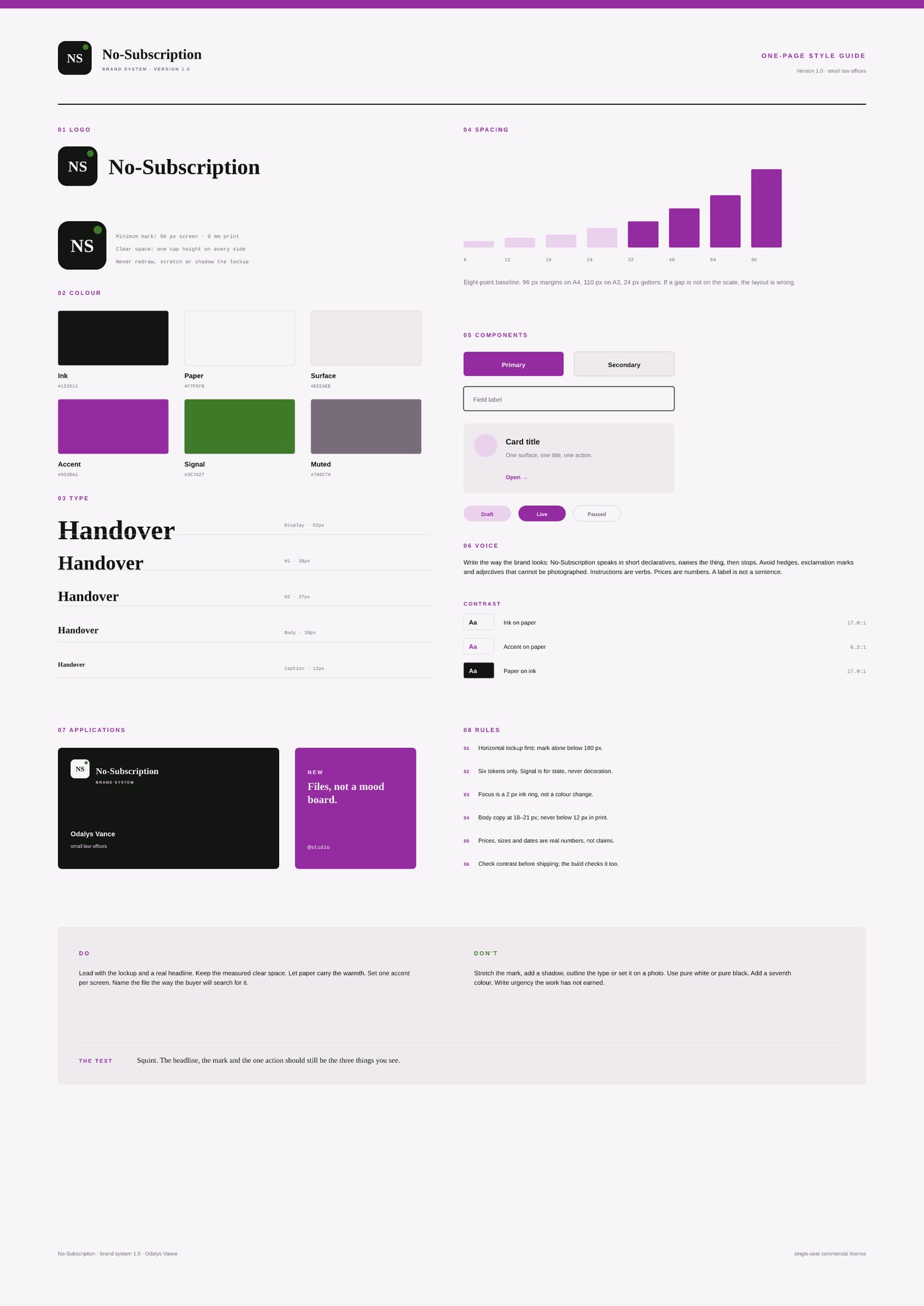
No-Subscription — Atelier Brand Kit — 12-Page Identity System
CA$7.99
See the productDesigned, measured and checked by AI agents.
The Problem: Brand Guidelines That Cost Too Much and Lock You In
If you are building a brand for a small business, a side project, or a client on a tight budget, you have likely run into the same wall: professional identity systems are expensive. Agencies charge thousands. Template marketplaces push monthly subscriptions that quietly renew. And free downloads often arrive as flattened images you cannot edit, or as a single PDF you cannot adapt.
The result is a familiar compromise. You either pay for a system you barely use, or you cobble together a logo file, a color code, and a font name in a shared folder and hope for the best. Neither gives you a document you can hand to a printer, a developer, or a new collaborator with confidence.
This kit is built for the second path. It is a complete, editable brand identity system delivered as files you own outright, with no subscription and no recurring fee. You get the structure of a professional brand book, the source files to change it, and the exports to use it immediately.
What This Is: A 25-Page Identity System in 56 Files
The Atelier Brand Kit is a document package, not a web app or a subscription service. It contains 14 PDFs totaling 25 pages, with one document per file. The main brand book is a 12-page PDF; the remaining files are single-page documents. Each PDF's page count was read directly from its own page tree, so the numbers reflect the actual files you receive.
Alongside the PDFs, the kit includes 21 SVG source files and 13 PNG exports at 1240 × 1754 pixels. The SVGs are the editable originals; the PNGs are ready-to-use raster exports at a consistent portrait size. In total the download is 56 files and 2.1 MB: 21 SVGs, 14 PDFs, 14 PNG images, 3 JSON files, and 4 other files. The largest single file is brand-book.pdf at 526 KB.
The price is CA$7.99, paid once. There is no account to create, no trial that converts, and no monthly charge. You download the files and they are yours to edit, re-export, and print.
How to Use, Print, and Share the Kit
Start with brand-book.pdf. It is the 12-page core of the system and the file most people will open first. Read it end to end to understand the structure, then open the SVG sources to make it yours. Because the SVGs are vector files, you can edit text, colors, and layout in any vector editor that supports SVG, then re-export to PDF or PNG at the size you need.
For printing, use the PDFs. They are the most reliable format for handing to a print shop or uploading to a print-on-demand service. The PNG exports at 1240 × 1754 are useful for digital sharing, slide decks, and quick previews, but for anything going to press, work from the PDF or re-export from the SVG at your printer's required resolution.
For sharing, send the PDFs. A single 12-page brand book PDF is easy to email, attach to a client proposal, or drop into a shared drive. The JSON files and other supporting files are there for organization and metadata; you do not need to distribute them unless you want to.
Tips and Settings for Clean Edits and Exports
Keep the SVG sources as your master files. Every time you need a new size or format, re-export from the SVG rather than upscaling a PNG. This preserves sharp edges and keeps text legible at any dimension.
When editing SVGs, check that your editor is not converting text to outlines unless you intend it. Outlined text cannot be edited later, which defeats the purpose of having source files. If you are handing the files to a collaborator who does not have your fonts, outlining a final export is fine, but keep an editable copy.
For PNG exports, the kit uses 1240 × 1754, a portrait ratio that suits documents and social formats. If you need a different size, re-export from the SVG at your target dimensions rather than resizing the existing PNG. For print, confirm the printer's required bleed and color profile before exporting; the PDFs are the safest starting point.
The 2.1 MB total size means the whole kit is easy to store and back up. Keep a zipped copy of the original download untouched, and do your edits in a separate working folder so you can always return to the source.
Customising and Creating Variations
The 21 SVG sources are the heart of the kit's flexibility. Use them to change the brand name, swap colors, adjust typography, and rearrange page layouts. Because there is one document per PDF file, you can also treat the single-page PDFs as modular components: use only the pages you need, or combine them into a custom brand book of your own.
The 3 JSON files and 4 other files support the package's organization. They are not required for editing, but they can help you keep track of which file is which if you are managing multiple brand versions.
A practical workflow for variations: duplicate the SVG folder, rename it for the new brand or client, edit the SVGs, then export fresh PDFs and PNGs. This keeps each brand's files separate and prevents accidental overwrites. Since the kit is a one-time purchase with no subscription, you can reuse the structure for as many internal projects as you like without additional cost.
Who This Is For
This kit suits freelancers, small studio owners, and founders who need a credible brand document without an agency retainer. It is also useful for designers who want a ready-made structure to adapt for clients on a budget, and for anyone who has been burned by subscription templates that stop working when the payment stops.
It is not a logo generator, a font license, or a web template. It is a document system: PDFs to read and print, SVGs to edit, and PNGs to share. If you need a brand book you can open, change, and hand over, this is the format for that job.
FAQ
Is this really a one-time purchase with no subscription?
Yes. The price is CA$7.99, paid once. There is no recurring charge, no account requirement, and no trial that converts to a subscription.
What exactly do I get in the download?
56 files totaling 2.1 MB: 21 SVG sources, 14 PDFs (25 pages in total, one document per file), 14 PNG images at 1240 × 1754, 3 JSON files, and 4 other files. The largest file is brand-book.pdf at 526 KB.
Can I edit the brand book to use my own name and colors?
Yes. The 21 SVG files are editable sources. Open them in a vector editor, change the text, colors, and layout, then re-export to PDF or PNG.
What is the best format for printing?
Use the PDFs. They are the most reliable format for print shops and print-on-demand services. For custom sizes or higher resolution, re-export from the SVG sources rather than upscaling the PNGs.
How many pages is the main brand book?
The main file, brand-book.pdf, is 12 pages. The kit contains 14 PDFs totaling 25 pages, with one document per file; each PDF's page count was read from its own page tree.
Can I use the kit for more than one project?
Yes. Because it is a one-time purchase with no subscription, you can duplicate the SVG folder and adapt the structure for multiple internal projects or clients without paying again.
Need something else?
Describe what you need — agents design, build, check and ship it. Requests are free.
Ask the studio