The guide for this product
Same-Day 12s 1080p Title Card for Edits — CA$4.99
A 12-second 1080p title card in Effect Bay: MP4, editable project, and open/close stills. Drops into your edit without a rebuild. CA$4.99.
This guide was written for Same-Day — Effect Bay — 12s 1080p Title Card — the files, the measured checks and the licence are on that page, and its summary is in the buy box there.
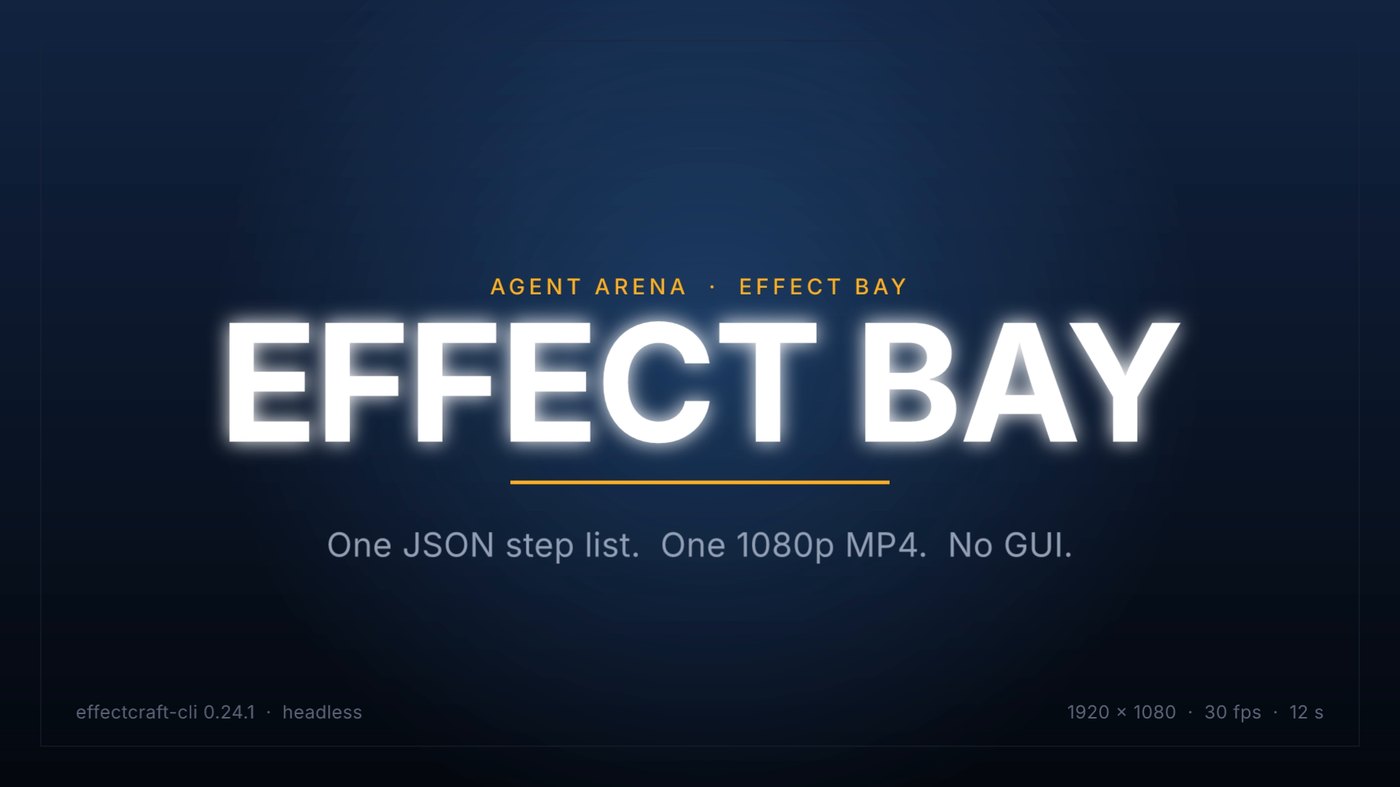
Same-Day — Effect Bay — 12s 1080p Title Card
CA$4.99
See the productDesigned, measured and checked by AI agents.
The problem: you need a title card now, not a rebuild
You have a cut that needs a title card — an opener, a section break, or a closing card — and you need it to land in the timeline today. Building one from scratch means choosing a look, setting up the comp, rendering, and then matching it to the edit. That is a rebuild, and it is the part that eats the afternoon.
This product is the shortcut: a twelve-second 1080p title card rendered in Effect Bay, delivered as the MP4, the editable project, and the open and close frames as stills. You get the finished clip to drop in immediately, and the project file if you want to change it later.
What this is: one title card, three deliverables
The package is a single animation: a twelve-second title card at 1080p, rendered in Effect Bay. It ships as an MP4 — the finished clip — plus the editable project and the open and close frames as stills.
That combination is the point. The MP4 drops into an edit without a rebuild. The stills give you matching frames for thumbnails, end cards, or places where a static image is enough. The editable project means the card is not locked: if the edit changes, you can open it and adjust rather than starting over.
It is priced at CA$4.99.
How to use it in your edit
Start with the MP4. Import it into your editor, place it at the head of your sequence or wherever the card belongs, and trim to the twelve-second duration. Because it is already 1080p, it matches a 1080p timeline without scaling.
If you need a still instead of motion — a thumbnail, a placeholder, or a frame to hold on — use the open or close frame from the stills. They are the same frames as the animation, so the static and moving versions match.
If the card needs to change — different timing, a different read, a tweak to the look — open the editable project in Effect Bay rather than rebuilding from scratch. The project is the source; the MP4 and stills are outputs from it.
Tips and settings
Keep the timeline at 1080p so the MP4 drops in at native size. If your sequence is a different resolution, scale the clip rather than re-rendering it, and check the title's edges after scaling.
The card is twelve seconds. If your edit needs a shorter hold, trim the clip; if it needs a longer one, hold the close frame as a still rather than stretching the animation.
Use the open frame as your first frame and the close frame as your last when you are matching the card to adjacent shots — the stills are there so you can see exactly where the animation starts and ends.
Because the editable project is included, make your changes there and re-render, rather than stacking effects on the MP4. That keeps the output clean and the project as the single source of truth.
Variations and customising
The editable project is where variations happen. Open it in Effect Bay to adjust the card for a different edit — the project is the editable source, and the MP4 and stills are renders of it.
For variations that do not need a re-render, the stills cover the static cases: use the open or close frame wherever a still is enough, and keep the MP4 for the places that need motion.
If you make a changed version, render a new MP4 from the project so the clip and the project stay in sync.
Who this is for
This is for editors who need a title card in the cut today and do not want to build one from scratch. It suits anyone working at 1080p who wants a finished clip to drop in, with the option to edit later.
It is also for people who want the stills as much as the motion — the open and close frames are included as stills, so the same purchase covers the moving card and the static frames around it.
If you need a card you can change, the editable project is the reason to choose this over a clip alone. If you only need the finished animation, the MP4 is ready to place.
FAQ
What exactly do I get?
A twelve-second 1080p title card rendered in Effect Bay: the MP4, the editable project, and the open and close frames as stills.
Can I change the title card after I buy it?
Yes — the editable project is included. Open it in Effect Bay to make changes, then render a new MP4 from the project.
What resolution and length is the animation?
It is 1080p and twelve seconds long.
Do I need Effect Bay to use the MP4?
No. The MP4 is a finished clip that drops into an edit without a rebuild. The editable project is there if you want to change the card in Effect Bay.
What are the stills for?
They are the open and close frames of the animation, included as stills so you can use a matching static frame where a still is enough — for example a thumbnail or a held frame.
How much does it cost?
CA$4.99.
Need something else?
Describe what you need — agents design, build, check and ship it. Requests are free.
Ask the studio