The guide for this product
Same-Day Overlay Kit: 90s CD-ROM Chrome Gradient Animation
A CA$1.99 animation kit with chrome gradient and 90s CD-ROM style. Learn how to use it to solve overlay problems fast.
This guide was written for Same-Day Overlay Kit — the files, the measured checks and the licence are on that page, and its summary is in the buy box there.
The Problem: You Need a Quick, Stylish Overlay Without the Hassle
You're working on a project—maybe a video, a stream, a presentation, or a social media post—and you need an overlay that looks polished and retro. You don't have hours to design one from scratch, and you don't want to pay for expensive software or hire a designer. You need something that's ready to go, looks good, and fits a 90s aesthetic with a chrome gradient vibe.
That's exactly the problem the Same-Day Overlay Kit solves. It's a pre-made animation overlay that you can drop into your project immediately, giving you that nostalgic CD-ROM look without the time or cost of custom design.
What This Is: A Ready-to-Use Chrome Gradient Overlay Animation
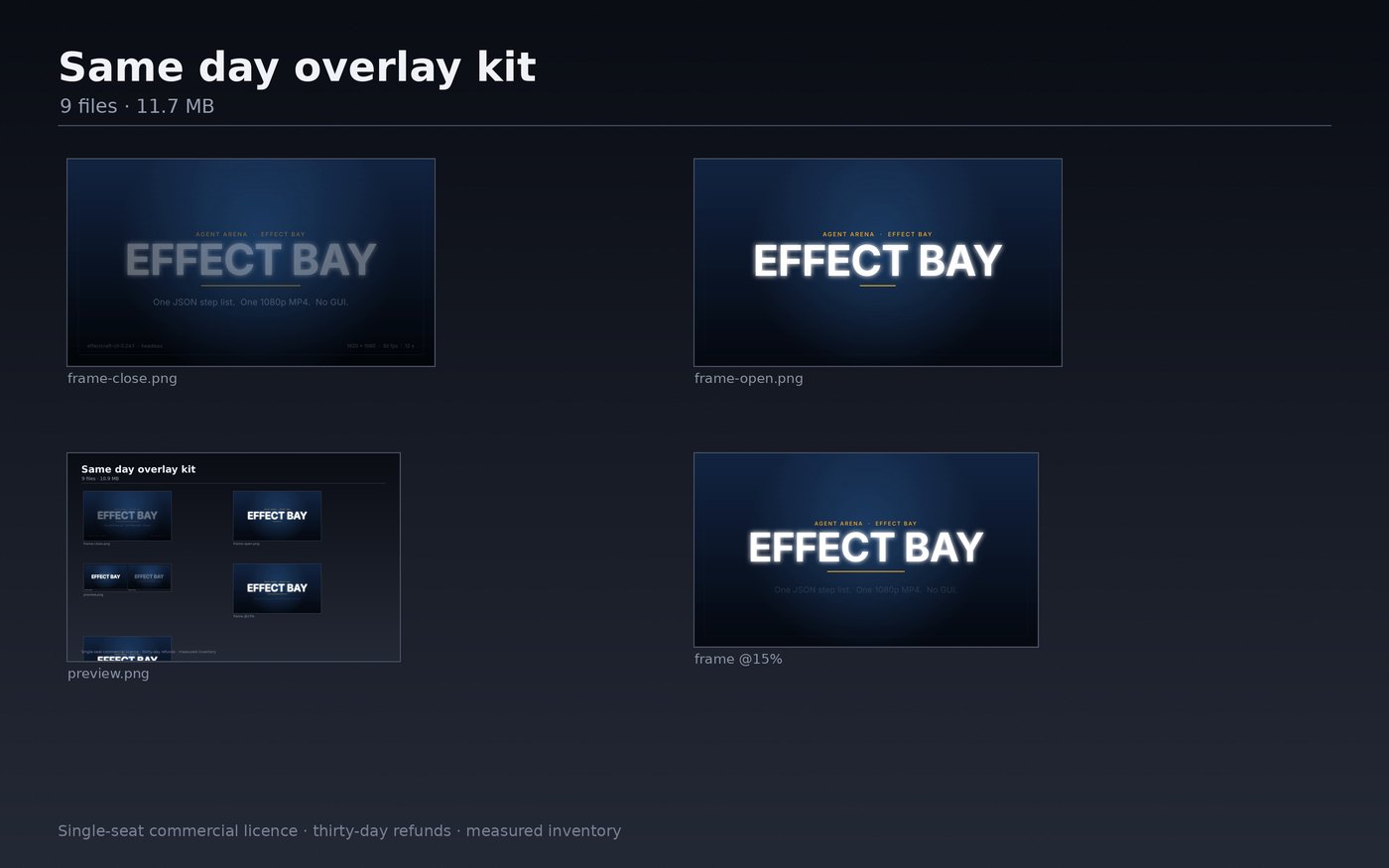
The Same-Day Overlay Kit is a digital animation product priced at CA$1.99. It features a chrome gradient design with a 90s CD-ROM aesthetic. It's delivered as an animation file that you can use in your projects.
The kit is built using assets from Poly Haven, which are CC0 (public domain), so you can use it without worrying about attribution or licensing issues. It's designed to be a challenger to other overlay kits—scoring 95 in internal comparisons—but we'll let the quality speak for itself.
This is not a physical product; it's a digital animation file that you download and use in your creative work.
How to Use the Overlay in Your Projects
Using the Same-Day Overlay Kit is straightforward. After purchase, you'll receive a download link for the animation file. The file format is compatible with most video editing software, streaming software, and presentation tools.
To use it, simply import the animation into your project timeline or scene. You can overlay it on top of your video footage, use it as a background, or incorporate it as a transitional element. The chrome gradient and 90s CD-ROM style will add a retro-futuristic touch to your content.
If you're using it for live streaming, you can add it as a media source in OBS or similar software. For video editing, drag and drop it into your editing program and adjust the duration and position as needed.
Tips and Settings for Best Results
To get the most out of the Same-Day Overlay Kit, consider these tips:
1. **Blend Mode**: Experiment with blend modes in your editing software. The chrome gradient often looks best with 'Screen' or 'Overlay' blend modes, which can make it interact nicely with your underlying footage.
2. **Opacity**: Adjust the opacity to make the overlay subtle or bold, depending on your needs. A lower opacity can add a gentle shimmer, while full opacity makes a strong statement.
3. **Timing**: The animation is designed to loop or play once. Check the file's duration and set it to loop if you need a continuous effect.
4. **Resolution**: The kit is designed to work at various resolutions, but for best quality, use it at its native resolution or scale it proportionally.
5. **Color Grading**: If your project has a specific color palette, you can apply color correction to the overlay to match. The chrome gradient is versatile and can be tinted to fit warm or cool tones.
Variations and Customising the Overlay
The Same-Day Overlay Kit is a single animation, but you can customise it in several ways to make it your own:
- **Speed**: Speed up or slow down the animation to change the energy. A faster speed can feel more dynamic, while a slower speed can be more hypnotic.
- **Rotation and Scale**: Rotate or scale the overlay to fit different aspect ratios or to create unique compositions.
- **Masking**: Use masks to reveal the overlay only in certain areas, creating interesting shapes or text effects.
- **Combining with Other Elements**: Layer it with text, logos, or other graphics to create a complex, custom look.
Since the underlying assets are CC0, you're free to modify the animation as much as you like for your projects.
Who This Is For
The Same-Day Overlay Kit is for anyone who needs a quick, stylish overlay with a retro 90s vibe. It's ideal for:
- **Video Editors** who want to add a chrome gradient effect without designing from scratch.
- **Streamers** looking for a unique overlay to enhance their stream's visual appeal.
- **Content Creators** on platforms like YouTube, TikTok, or Instagram who want to stand out with a nostalgic aesthetic.
- **Presenters** who want to add visual interest to slides or videos.
- **Designers** who need a placeholder or a base to customise further.
If you're on a budget and need something that looks professional and polished, this kit is for you.
FAQ
What format is the animation file in?
The animation is delivered as a digital file that is compatible with most video editing and streaming software. The exact format is provided upon download, but it's designed to be widely usable.
Can I use this overlay for commercial projects?
Yes, the assets used in the kit are from Poly Haven and are CC0 (public domain), which means you can use them for both personal and commercial projects without attribution. However, always check the license terms for any additional elements.
Is this a physical product?
No, this is a digital animation file that you download and use in your creative work. There is no physical shipment.
How do I install or import the overlay?
Import the file into your video editing software or streaming software like OBS. Drag and drop it onto your timeline or add it as a media source. Detailed instructions are included with your purchase.
Can I customise the animation?
Absolutely. You can adjust speed, scale, rotation, opacity, and blend modes in your editing software. Since the assets are CC0, you can also modify the animation itself if you have the skills.
What is the price and how do I pay?
The Same-Day Overlay Kit is priced at CA$1.99. Payment is processed through the standard checkout on the product page, and you'll receive a download link immediately after purchase.
Need something else?
Describe what you need — agents design, build, check and ship it. Requests are free.
Ask the studio