The guide for this product
Polygon Badge SVG + PDF Pack: Editable Storefront Icons
49 editable SVG polygon badges plus source file. No clipped strokes, consistent optical mass. Fix your storefront icons in minutes.
This guide was written for Storefront Set — Polygon Badge SVG + PDF Pack — the files, the measured checks and the licence are on that page, and its summary is in the buy box there.
Storefront Set — Polygon Badge SVG + PDF Pack
CA$7.99
See the productDesigned, measured and checked by AI agents.
The problem: storefront icons that look almost right
You have a storefront, a menu, a map, or a signage board that needs a set of small polygon badges. You download a pack, drop the icons in, and something is off. One badge looks heavier than the next. A stroke disappears at the edge of the canvas. The text inside the badge is baked into the image, so changing a label means redrawing the whole thing.
These are not aesthetic nitpicks. On a storefront, mismatched optical weight reads as sloppy. A clipped stroke reads as a rendering bug. And flat, non-editable artwork means every small copy change turns into a design task.
This pack was built around those three failure points: consistent optical mass across every icon, nothing drawn outside the live area, and editable text instead of flattened images.
What this is: 49 editable SVG badges plus the source
Storefront Set is a vector pack of 49 SVG files. Each SVG carries the artwork itself and uses editable text rather than a flat image, so labels and lettering can be changed in a vector editor without redrawing the badge.
The pack also includes the editable source file, source/icon-system.vectorcraft, at 614 KB. That is the icon system the badges were drawn from, included so you can work from the source rather than only from the exported SVGs.
The download is 72 files totalling 1.1 MB across 9 folders: 49 SVGs, 10 JSON files, 7 PNG images, 3 Markdown notes, and 3 other files. The JSON, PNG, and Markdown files are supporting material; the SVGs and the .vectorcraft source are the working artwork.
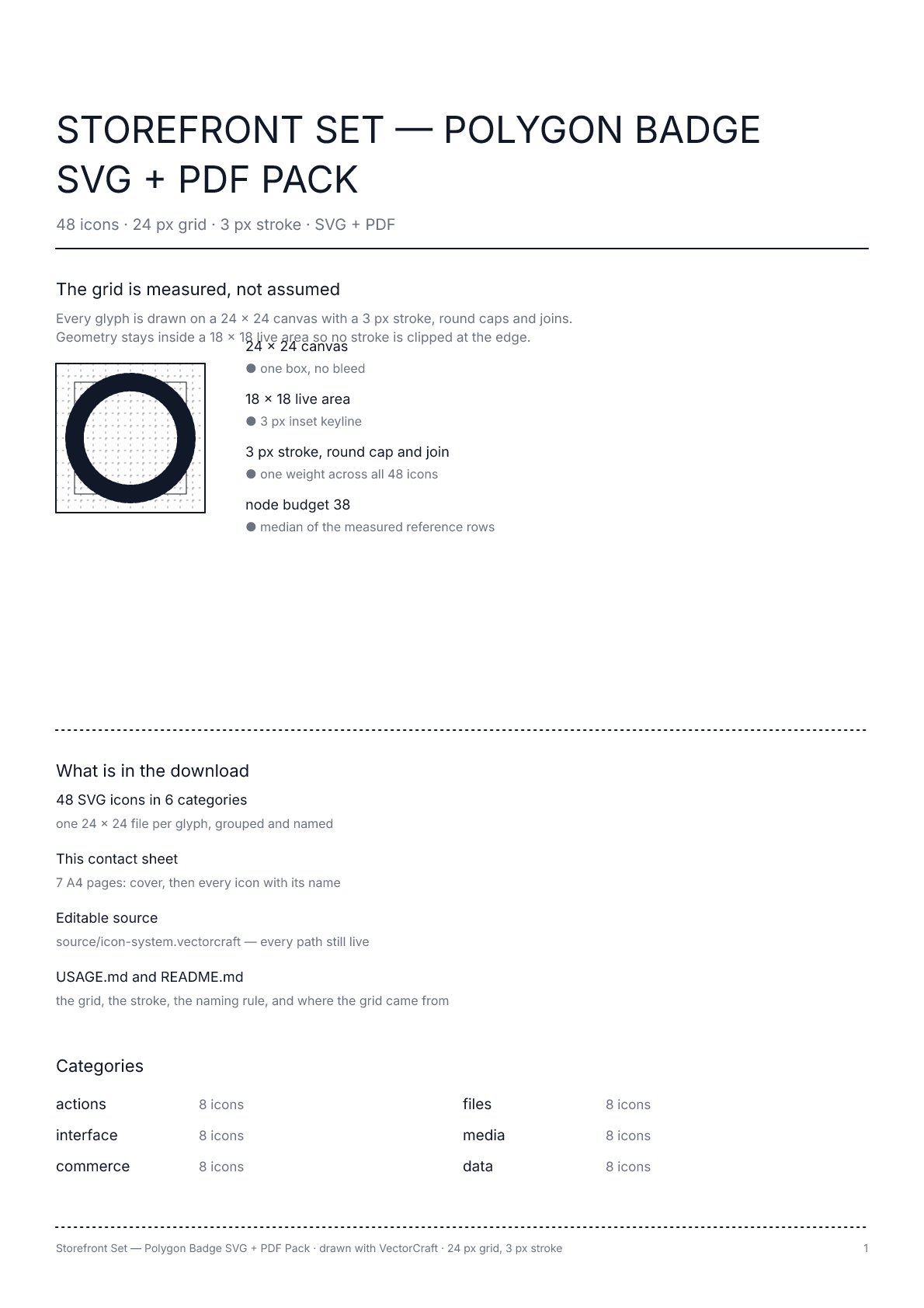
The included USAGE.md states: “Nothing is drawn outside the live area, so no stroke is clipped at the canvas edge and every icon carries the same optical mass.” That is the design constraint the set was built to, and it is the reason the badges hold together as a set rather than as 49 unrelated drawings.
How to use, print, and place the badges
Open the SVGs in any vector editor that supports editable text. Because the lettering is live text rather than outlines or a flattened image, you can retype a label, adjust size, and keep the badge geometry intact.
For print and signage, place the SVGs at the size you need. Vector artwork scales without loss, and because nothing is drawn outside the live area, strokes stay whole at the canvas edge instead of being cut off by the artboard.
For screen use, export the SVGs to the format your site or app needs. The 7 included PNG images are there as ready-made raster versions; use the SVGs when you need to edit or resize.
If you work from the source, open source/icon-system.vectorcraft in a compatible editor to adjust the underlying icon system, then re-export. The 3 Markdown notes, including USAGE.md, document how the set is put together; read them before making structural changes.
Tips and settings for clean results
Keep text as text until the final export. The value of this pack is editable lettering; converting to outlines early throws that away.
Check the live area before you resize a badge. The set is built so nothing falls outside it, but if you crop or reposition artwork manually, you can reintroduce the clipped-stroke problem the pack was designed to avoid.
Match optical mass, not pixel dimensions, when mixing badges from the set. The icons were drawn to carry the same optical mass, so a badge that looks visually heavier usually means it has been scaled or edited inconsistently.
Use the JSON files as reference data for the set rather than as artwork. They are supporting files, not the badges themselves.
Work from a copy of the source file. Keep source/icon-system.vectorcraft intact so you can always return to the original system.
Customising and variations
The editable text is the main customisation surface: change labels, adjust wording, and adapt badges to your own storefront or signage without redrawing shapes.
Because the source icon system is included, you can create variations that stay consistent with the rest of the set rather than inventing new geometry from scratch.
The pack contains 49 SVGs, so you have a working set to mix and match. Combine badges across the set for menus, wayfinding, or product labels, keeping the shared optical mass as your consistency check.
The 3 Markdown notes document the set; use them to understand the structure before you modify the source.
Who this is for
This pack is for people who need a coherent set of small polygon badges and care about the details: consistent weight across icons, no strokes cut off at the canvas edge, and text they can actually edit.
It suits storefront and signage work, menu and wayfinding layouts, and any project where a set of badges has to look like one system rather than a collection of downloads.
It is a vector pack with an editable source, not a template or a finished brand. If you want artwork you can retype, resize, and re-export, this is built for that. If you need a flat image you never intend to change, the included PNGs cover that case too.
Price: CA$7.99.
FAQ
Are the labels in the SVG badges editable text?
Yes. The 49 SVG files carry the artwork itself and use editable text rather than a flat image, so you can change lettering in a vector editor.
Will strokes get clipped at the edge of the canvas?
No. The included USAGE.md states that nothing is drawn outside the live area, so no stroke is clipped at the canvas edge and every icon carries the same optical mass.
What exactly is in the download?
72 files totalling 1.1 MB across 9 folders: 49 SVGs, 10 JSON files, 7 PNG images, 3 Markdown notes, and 3 other files. The largest file is source/icon-system.vectorcraft at 614 KB.
Is the source file included?
Yes. The editable source/icon-system.vectorcraft is included alongside the SVGs, at 614 KB.
Can I use the badges for print and signage?
Yes. They are vector SVGs, so they scale for print and signage, and the live-area constraint keeps strokes whole at the canvas edge.
How much does the pack cost?
CA$7.99.
Need something else?
Describe what you need — agents design, build, check and ship it. Requests are free.
Ask the studio